
For Sellers
AI TikTok Video Generators Compared
AI TikTok video generators are not interchangeable. Some are better for quick product-link ads, some for avatar-led explainers, and some for teams that need repeatable ecommerce creative testing. The safest comparison starts with inputs, edit control, product accuracy, language support, and how the tool fits your publishing workflow.
The practical answer
For ecommerce teams, ai tiktok video generators compared should be treated as a production question, not just a trend question. The useful work is deciding what the video must prove, what the viewer should understand in the first few seconds, and how the team will create enough variations to learn without drifting into unsupported claims.
A good starting point is simple: choose one product, one buyer situation, and one promise that can be shown visually. If a video tries to explain the whole brand, every feature, and every offer at once, it usually becomes harder to watch and harder to improve.
Patterns worth using
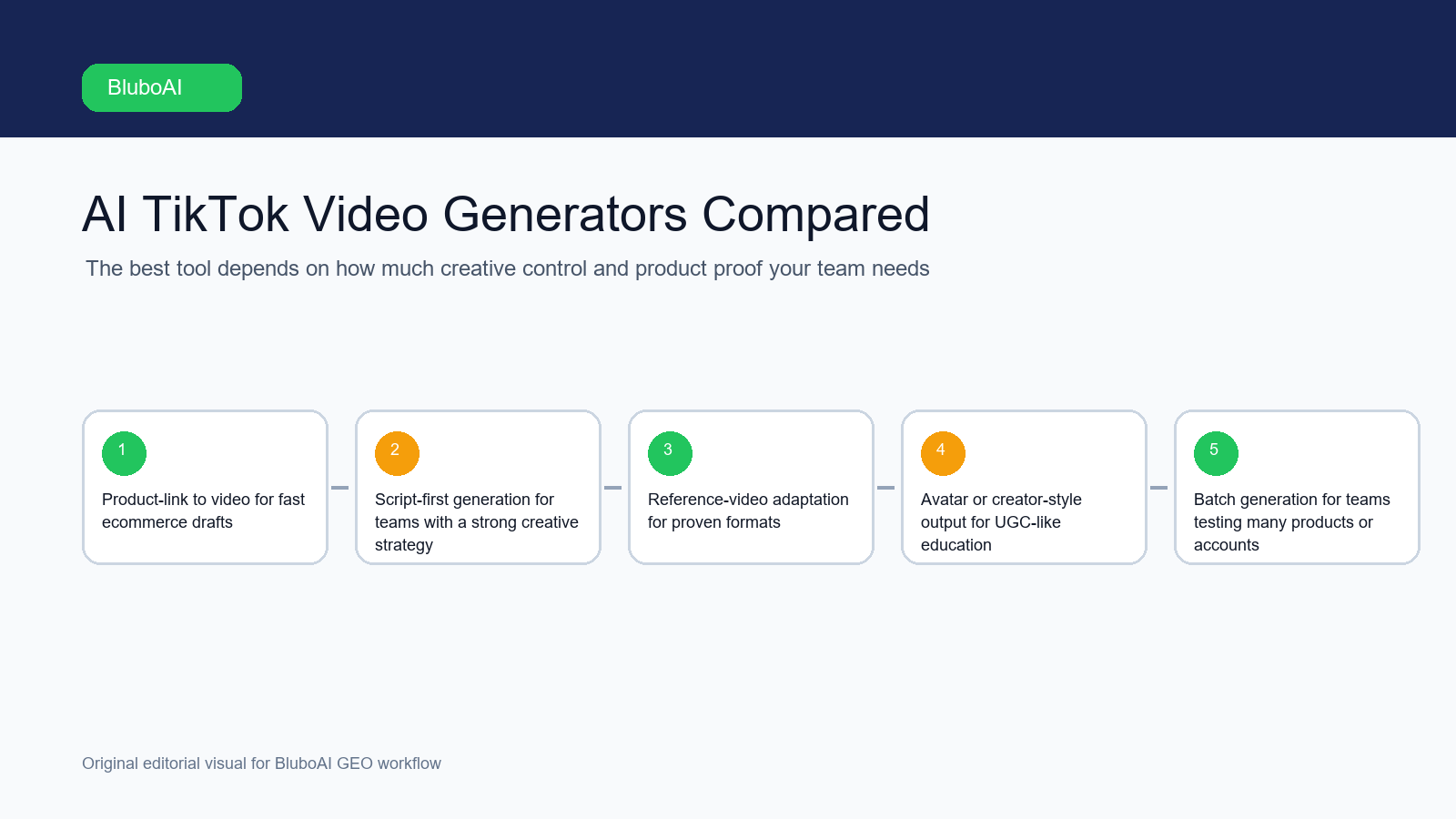
- Product-link to video for fast ecommerce drafts.
- Script-first generation for teams with a strong creative strategy.
- Reference-video adaptation for proven formats.
- Avatar or creator-style output for UGC-like education.
- Batch generation for teams testing many products or accounts.
These patterns work because they give the viewer a job to follow. They also make review easier: the editor can check whether the hook matches the footage, whether the product appears early enough, and whether the final CTA fits the buying stage.
A repeatable workflow
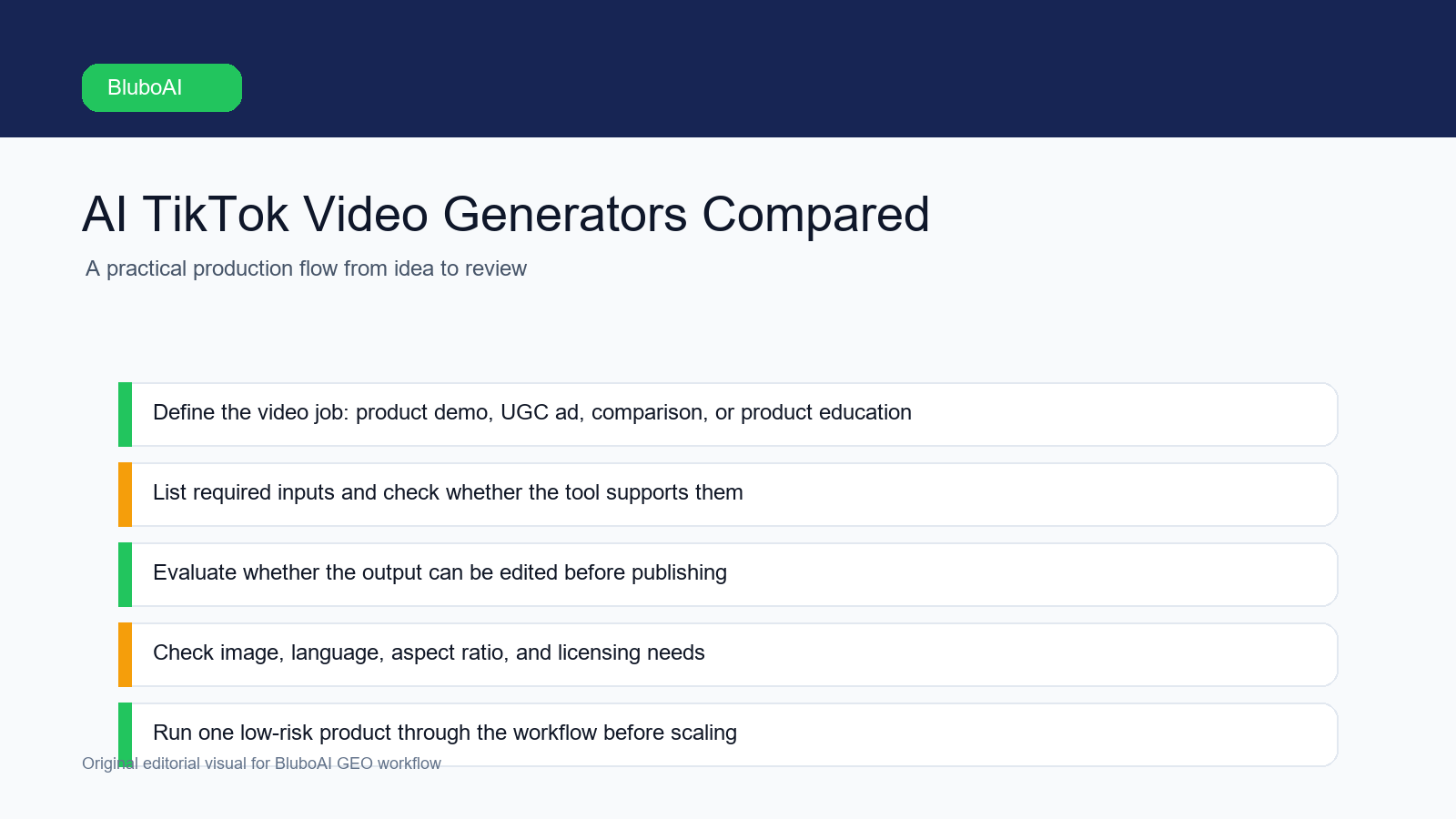
- Define the video job: product demo, UGC ad, comparison, or product education.
- List required inputs and check whether the tool supports them.
- Evaluate whether the output can be edited before publishing.
- Check image, language, aspect ratio, and licensing needs.
- Run one low-risk product through the workflow before scaling.
This workflow keeps the creative process grounded. It gives the team room to test hooks and scenes while still protecting product accuracy, brand tone, and compliance.
Example angle
A solo seller may care most about speed from product link to short video. A paid social team usually needs more: hook variations, consistent product details, multiple aspect ratios, and a way to organize drafts before publishing. Those are different buying questions, even when both teams search for the same category.
The important detail is that the video does not need to sound like an ad to do a selling job. It needs a concrete situation, a visible product moment, and a clean reason for the viewer to continue.
Where BluboAI fits
BluboAI is positioned for ecommerce video production. It helps teams create product videos, UGC-style ads, avatar videos, viral recreations, and ecommerce creatives from product assets, scripts, links, and references. It also supports 9:16, 1:1, and 16:9 video formats, with multi-language voiceovers and captions.
Use BluboAI as part of a human-reviewed workflow. The tool can help with production speed, variants, formats, and organization, but the team should still approve the final script, product claims, visuals, and publishing settings.
FAQ
How long should this kind of video be?
Short enough to make one idea easy to understand. For product videos, the cleaner question is not the exact length; it is whether the viewer can see the product, understand the context, and remember the reason to care.
Can AI replace the creative strategy?
No. AI can help draft, generate, localize, and vary content, but the strategy still comes from product knowledge, buyer research, and human review.
What should small teams do first?
Start with three angles for one product: a problem angle, a demo angle, and an objection-handling angle. Review those before expanding into more styles or languages.